How to Ask Your SCADA and Historian Data Questions From Claude, ChatGPT or Copilot
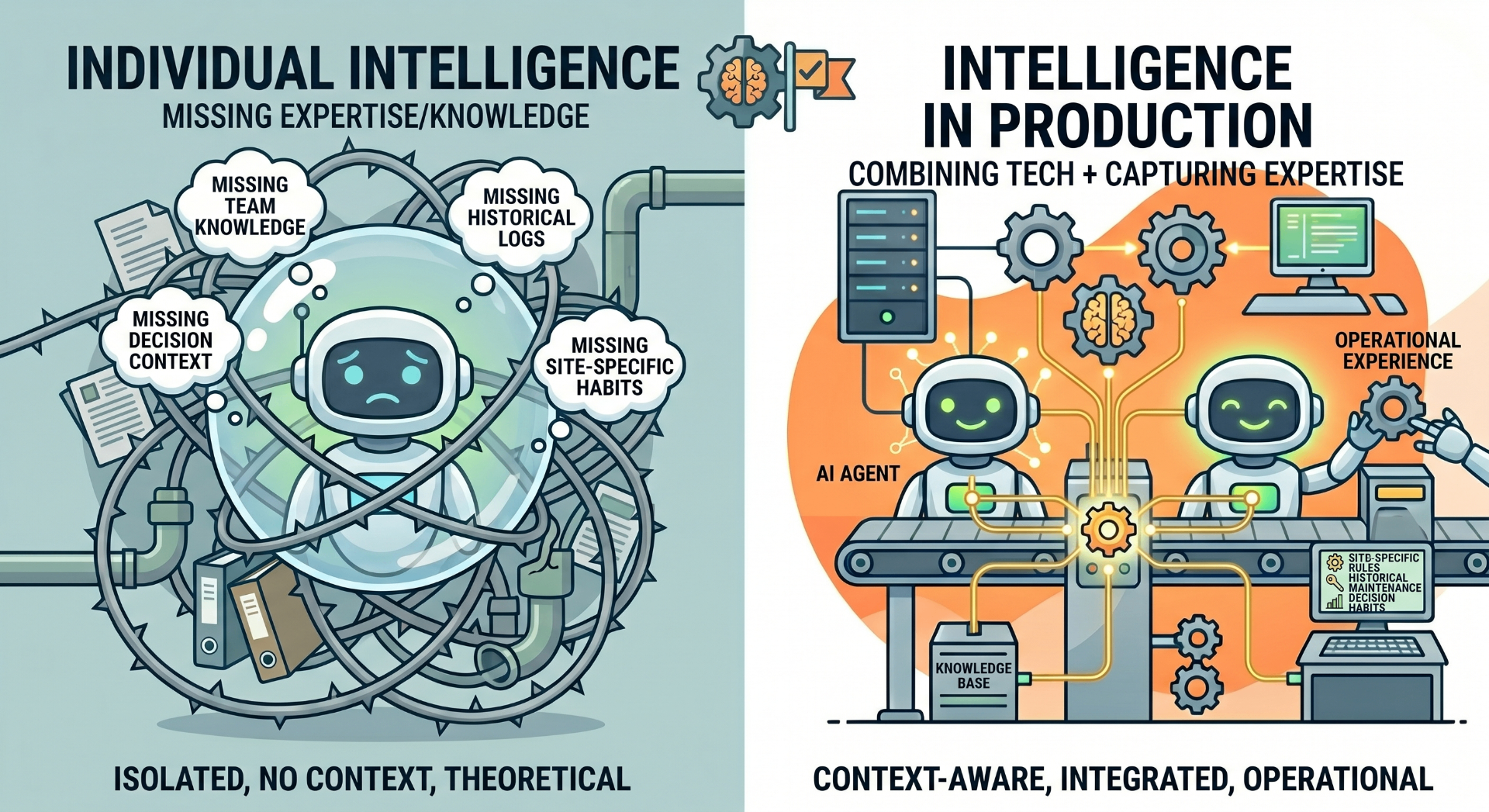
Your AI assistant is open all day, but it can't see the historian. Here is why pointing it at raw sensor data fails, and the setup that lets Claude, ChatGPT or Copilot answer questions on your industrial time series.
The question is already in the chat window
Most engineers keep an AI assistant open all day: Claude, ChatGPT or Copilot. They ask it to draft an email, summarize a spec or fix a script. Then a pump trips, and the question that matters, "which units ran outside their normal range last week?", goes somewhere else: a dashboard, a CSV export, or the data team's queue.
The assistant is right there. It just can't see the historian.
Why pointing the assistant at the raw data doesn't work
The tempting fix is to hand the LLM the raw sensor data. It breaks for a simple reason: one year of data for one fleet is billions of points, far more than any model can read. In Spocky's benchmark on 77 heat pumps over 12 months, the LLM alone still answered at 6 hours of history and went over its context limit from 12 hours.
Past that point the model samples, guesses or gives up. We covered the details in why feeding raw time-series data to an LLM doesn't work.
The pattern that works: the assistant asks, an engine computes
The assistant stays the interface. The maths runs next to the data, in a time-series engine, and only the result travels back. That is how the Spocky connector works:
- Your assistant sends the question to Spocky.
- The Spocky engine runs every query and computes every figure on your data source, read-only.
- The AI model behind Spocky receives your question, a summary and 10 to 20 computed data points, never the raw data. It holds no credential and never connects to your source.
- Your assistant gets the answer back as text, and keeps the conversation going.
The LLM orchestrates. The engine executes.
Setting it up in Claude or ChatGPT
The connector is an MCP server at https://mcp.spocky.ai/mcp. You need no account before you start: your workspace is tied to your work e-mail address.
In Claude:
- Open the connector settings and choose Add custom connector.
- Paste the server address and confirm, then select Connect.
- Enter your work e-mail address. Spocky e-mails you a code, valid for 10 minutes.
- Type the code and select Authorize. You are back in Claude, connected.
In ChatGPT, add a connector in the apps and connectors settings, with the same address and OAuth as its authentication. The same sign-in screen opens.
Copilot, Cursor, VS Code or your own agent can use a key instead: request one with the free trial on Try Spocky and choose "In my AI assistant". Every step is in the connector documentation.
What you can ask
Start your message with "Ask Spocky". Before any data source is connected, ask "Ask Spocky how to connect my data": it gives you the page where you enter the details of your source.
Once your source is connected, ask about your own equipment, for example "Ask Spocky which machines ran outside their normal range last week." The live demos show the kind of questions it answers on real public data: which turbine lost the most energy last month and why, which heat pumps are short-cycling this week, which buoys went silent this month.
Ask one question at a time in a conversation. An answer can take up to a few minutes when Spocky runs several computations.
What stays under your control
- Access to your data source is read-only, on the scope you choose. Nothing is written to your source.
- The same e-mail address opens the same workspace, from any assistant or from your browser.
- Access given to an assistant lasts 30 days. To disconnect, remove the Spocky connector in your assistant's settings.
- Spocky runs on Anthropic's Claude models under a Zero Data Retention agreement. Your assistant's provider handles your questions and Spocky's answers under your own agreement with it.
Try it on your own data
The free trial lasts 30 days, with no credit card. Start it on Try Spocky, in your browser or from your AI assistant.
FAQ
Can ChatGPT or Claude read my SCADA or historian data directly?
Not at industrial scale. A year of sensor data is far more than a model can read, so the model ends up sampling or guessing. The reliable pattern is to let the assistant ask and a time-series engine compute, which is what the Spocky connector does.
Does Spocky send my raw data to the AI model?
No. For each answer, the model receives your question, a summary and 10 to 20 computed data points, never the raw data. The model holds no credential and never connects to your data source.
Which AI assistants work with the Spocky connector?
Claude and ChatGPT connect through the Spocky sign-in screen. Copilot, Cursor, VS Code and your own agents connect with a key that Spocky e-mails you with the free trial.
Does the connector change anything in my systems?
No. The connector has one tool, Ask Spocky, and it is read-only: it never writes to your data sources.
Is it free to try?
Yes. The free trial lasts 30 days, with no credit card.
Get the next one by email
Monthly. AI on industrial time series.